
The short answer
What this means for you
OpenAI announced interactive answers in ChatGPT. For a business website, the useful lesson concerns task design: choose controls that help customers compare, calculate, or act. Keep important information readable, and keep consequential actions under clear user control.
- The announcement covers the Chat experience; it does not change Work or Codex models.
- An interactive answer can help with a decision, but interface quality still needs testing.
- Start with one customer task and measure completion, errors, and support needs.
What OpenAI announced on 7 October
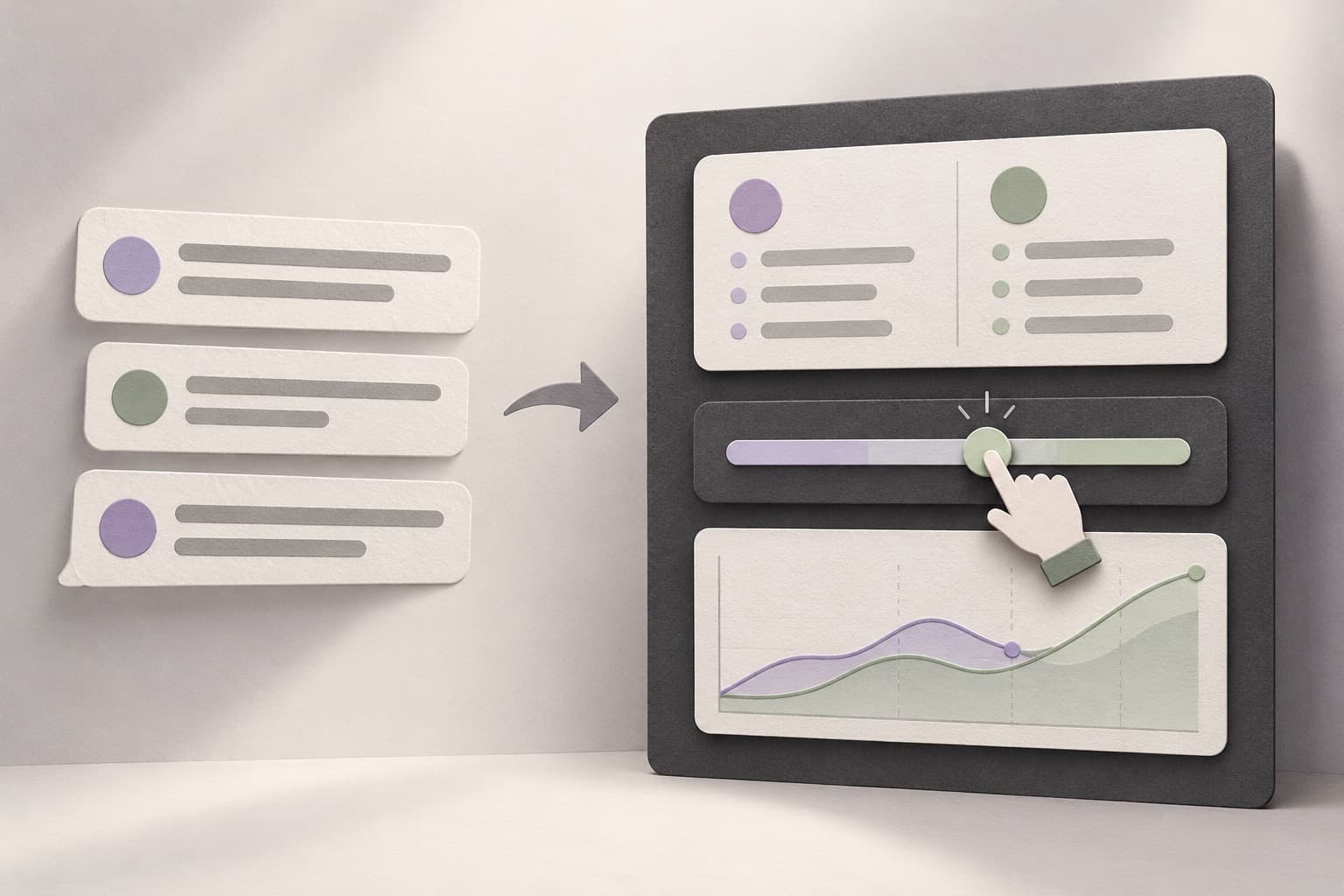
Company claim: OpenAI announced GPT-6 with Intelligent UI on 7 October 2026. The company says responses can combine text, visuals, and interactive controls, including forms and charts.[1]
Company claim: OpenAI describes a component library and compiler that display interface elements progressively while the model generates them.[1]
Our view: The business question is whether a control helps someone finish a task. More visual output alone does not establish a better customer experience.
The rollout has important boundaries
Company claim: OpenAI says rollout started on 7 October for Plus, Pro, Business, and Enterprise in Chat. It scheduled Free and Go expansion for 8 October. Enterprise access depends on administrator settings.[2]
The release notes say Intelligent UI supports Instant through Extra High reasoning. The Pro reasoning option uses GPT-6 Astra and does not support Intelligent UI.[2]
OpenAI states that this release does not change the models powering Work and Codex.[1]
A rollout announcement does not confirm access in every account. Check the intended workspace before you promise this capability to your team.
Choose a task before you choose an interface
Our view: Consider a company that sells equipment with several configuration options. A customer might need to compare dimensions before requesting a quote. A comparison table can make those differences easier to inspect than a long conversation.
Our view: A service business might need a calculator that explains how scope affects an estimate. An internal portal might need filters that narrow a list of unresolved requests. These are possible design directions, not features that the announcement proves for your business.
Select one decision with a clear starting point and outcome. Define the information the customer needs, the controls they can use, and the result they should understand.
Keep generated suggestions separate from business actions
Our view: An attractive interface can still present incomplete information. A generated comparison should identify its source records and explain missing values. A price estimate should expose its assumptions.
When an action changes business data, use a defined application flow. Check permissions and validate the request on the server. Show the final action before the customer confirms it.
For example, a booking suggestion can show available choices without immediately changing a calendar. A separate confirmation can show the selected time and let the customer correct it.
Plan what happens when a record changes, a connection fails, or a customer repeats an action. The interface should make the next safe step clear.
Test the complete customer journey
Compare an interactive flow with the current flow using the same task and information. Observe completion, correction, abandonment, and requests for help. Do not judge the design only from its first successful response.
Check keyboard access, labels, narrow screens, loading states, and error recovery. Keep essential service details in readable page content. Interactive controls should support those details rather than hide them.
Our view: Use real operational measurements before you claim improvement. The announcement does not establish conversion gains, accuracy, or delivery savings for a Diffwise.app client.
A focused next step for your website or portal
Write a short brief for one task: who performs it, which records it uses, what success means, and which actions need confirmation. Then decide whether a fixed interface, a conversational interface, or a combination fits.
For connected delivery, align the interface with the backend contract before implementation. A clear data model and recovery path matter as much as the visual layout.
Sources and further reading
- GPT-6 and Intelligent UI for everyoneOpenAI · Checked 8 October 2026
- ChatGPT release notes: 7 October 2026OpenAI · Checked 8 October 2026